Learn vocabulary effectively Vokabeln effektiv lernen
Your personal vocabulary trainer with 7 learning modes. Create decks, add cards, and master new words with Flashcard, Quiz, Pair, Listen, Write, Dictation, and Word Search modes. Dein persönlicher Vokabel-Trainer mit 7 Lernmodi. Erstelle Stapel, füge Karten hinzu und meistere neue Wörter mit Karteikarten-, Quiz-, Paar-, Hör-, Schreib-, Diktat- und Wortsuche-Modus.
See it in action
Die App in Aktion
7 Learning Modes 7 Lernmodi
Choose the learning style that works best for you Wähle den Lernstil, der am besten zu dir passt
☆ Try all 7 modes for free with the included demo deck ☆ Teste alle 7 Modi kostenlos mit dem enthaltenen Demo-Stapel
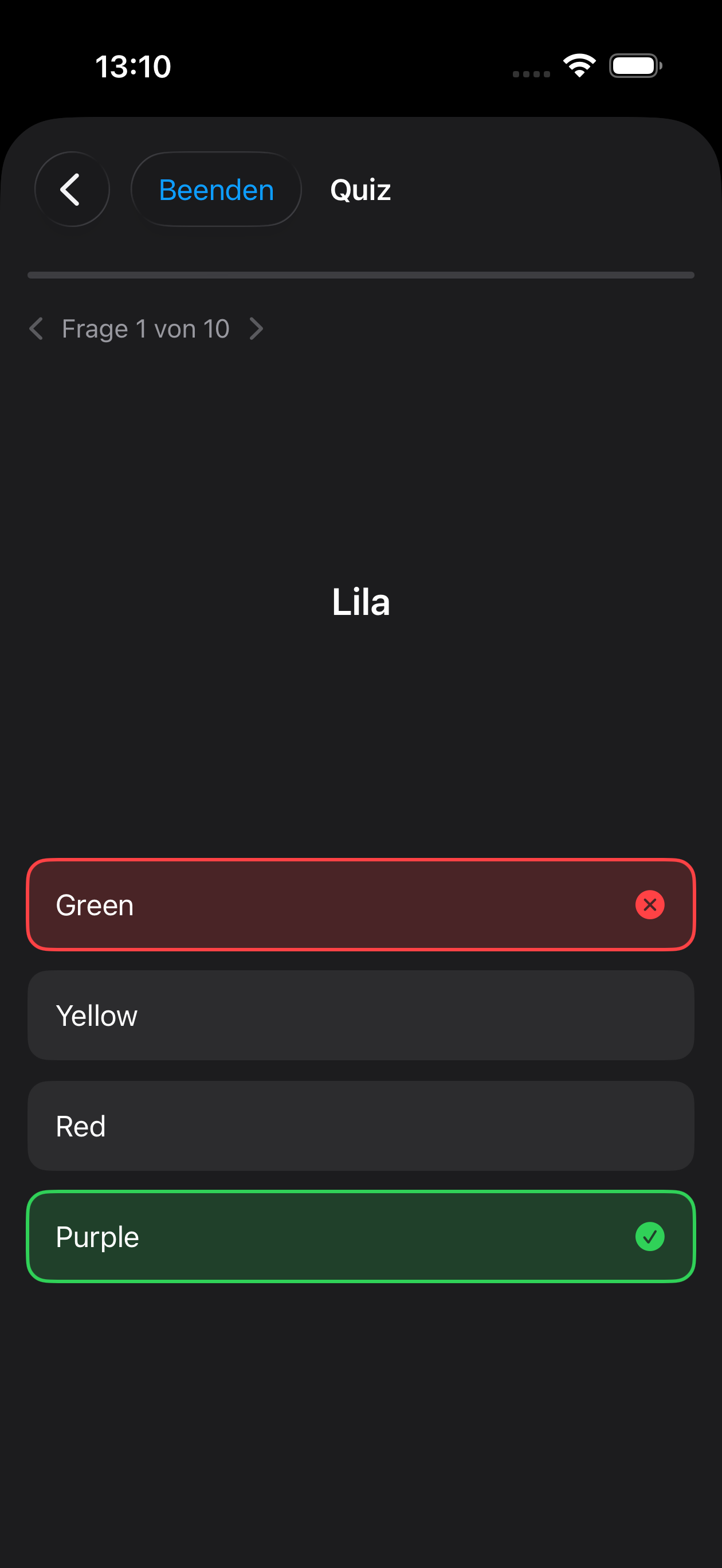
Quiz Mode Quiz-Modus Pro
Multiple-choice questions with level progression. Cards advance through levels as you answer correctly. Multiple-Choice-Fragen mit Level-Fortschritt. Karten steigen durch Levels auf, wenn du richtig antwortest.
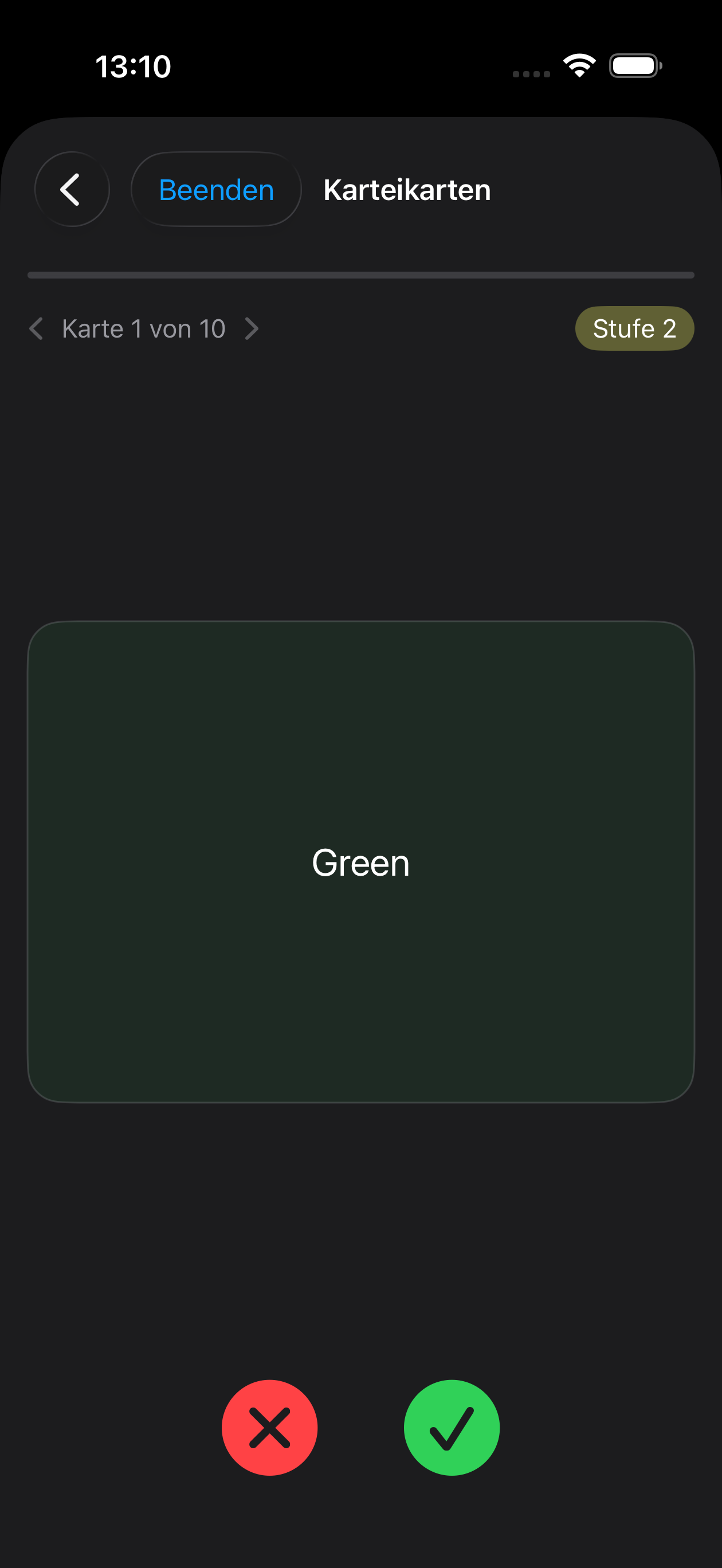
Flashcard Mode Karteikarten-Modus
Classic flip cards. Tap to reveal the answer, swipe through your deck at your own pace. Klassische Karteikarten. Tippe zum Aufdecken, blättere in deinem eigenen Tempo durch den Stapel.
Listen Mode Hör-Modus Pro
Listen to your cards spoken aloud with auto-play. Lean back and absorb vocabulary hands-free. Höre deine Karten vorgelesen mit automatischer Wiedergabe. Lehne dich zurück und nimm Vokabeln freihändig auf.
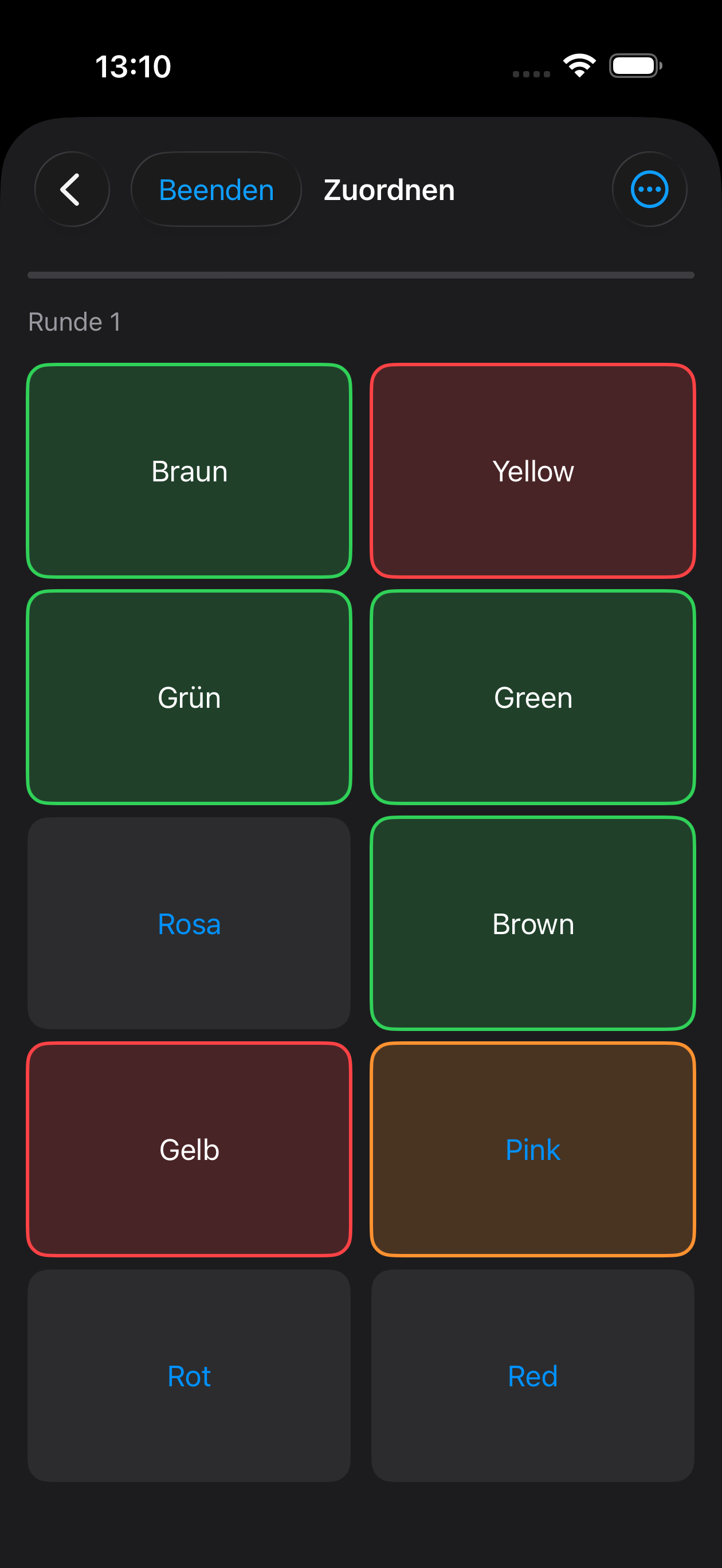
Pair Mode Paar-Modus Pro
Match words with their translations. A fun and interactive way to strengthen word associations. Ordne Wörter ihren Übersetzungen zu. Ein unterhaltsamer Weg, Wortverknüpfungen zu stärken.
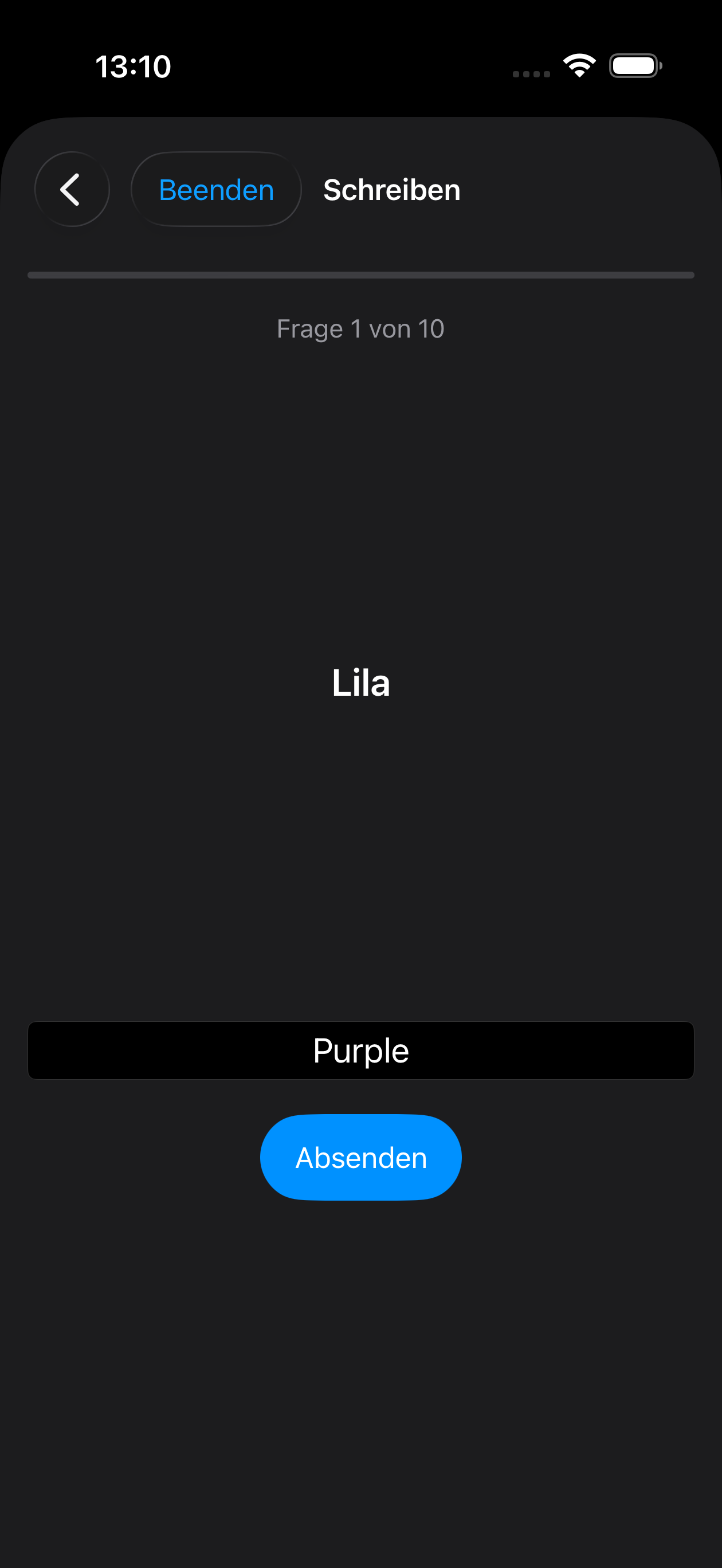
Write Mode Schreib-Modus
Type the translation yourself. The most effective way to truly memorize vocabulary. Tippe die Übersetzung selbst ein. Der effektivste Weg, Vokabeln wirklich zu verinnerlichen.
Dictation Mode Diktat-Modus Pro
Listen to a word and type what you hear. Trains both listening comprehension and spelling. Höre ein Wort und tippe, was du hörst. Trainiert Hörverständnis und Rechtschreibung zugleich.
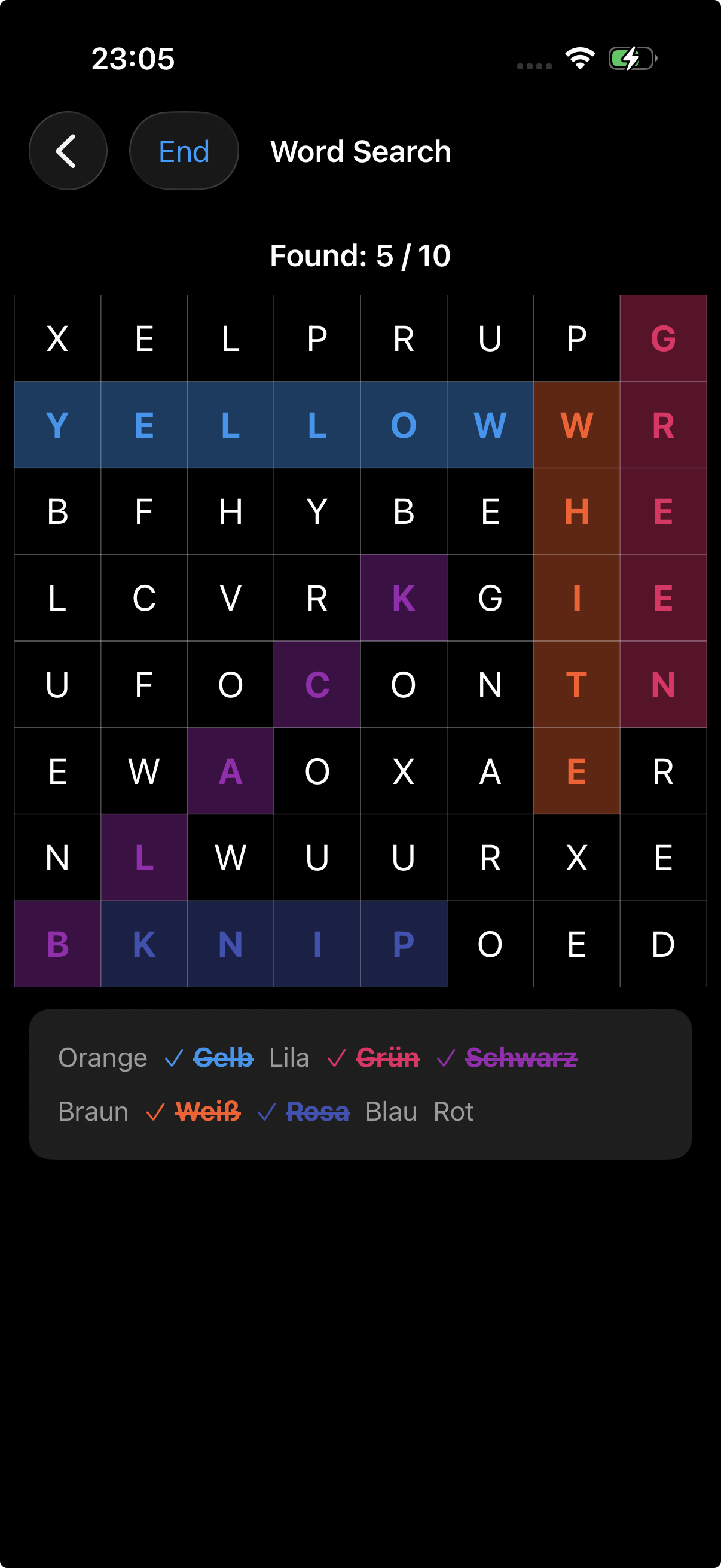
Word Search Wortsuche Pro
Find translation words hidden in a letter grid. Drag across the grid horizontally, vertically, diagonally, or backwards to discover words. Finde Übersetzungswörter versteckt in einem Buchstabenraster. Ziehe horizontal, vertikal, diagonal oder rückwärts über das Raster, um Wörter zu entdecken.
Everything you need Alles was du brauchst
No ads, no tracking, no data exchange with servers Keine Werbung, kein Tracking, kein Datenaustausch mit Servern
Decks & Cards Stapel & Karten
Organize your vocabulary into decks by topic, textbook chapter, or any way you like. Each card has a front and back side. Organisiere deine Vokabeln in Stapeln nach Thema, Buchkapitel oder wie du möchtest. Jede Karte hat eine Vorder- und Rückseite.
Multi-Language Mehrsprachig
Configure any source and target languages. Each deck can have its own language pair. Konfiguriere beliebige Ausgangs- und Zielsprachen. Jeder Stapel kann ein eigenes Sprachenpaar haben.
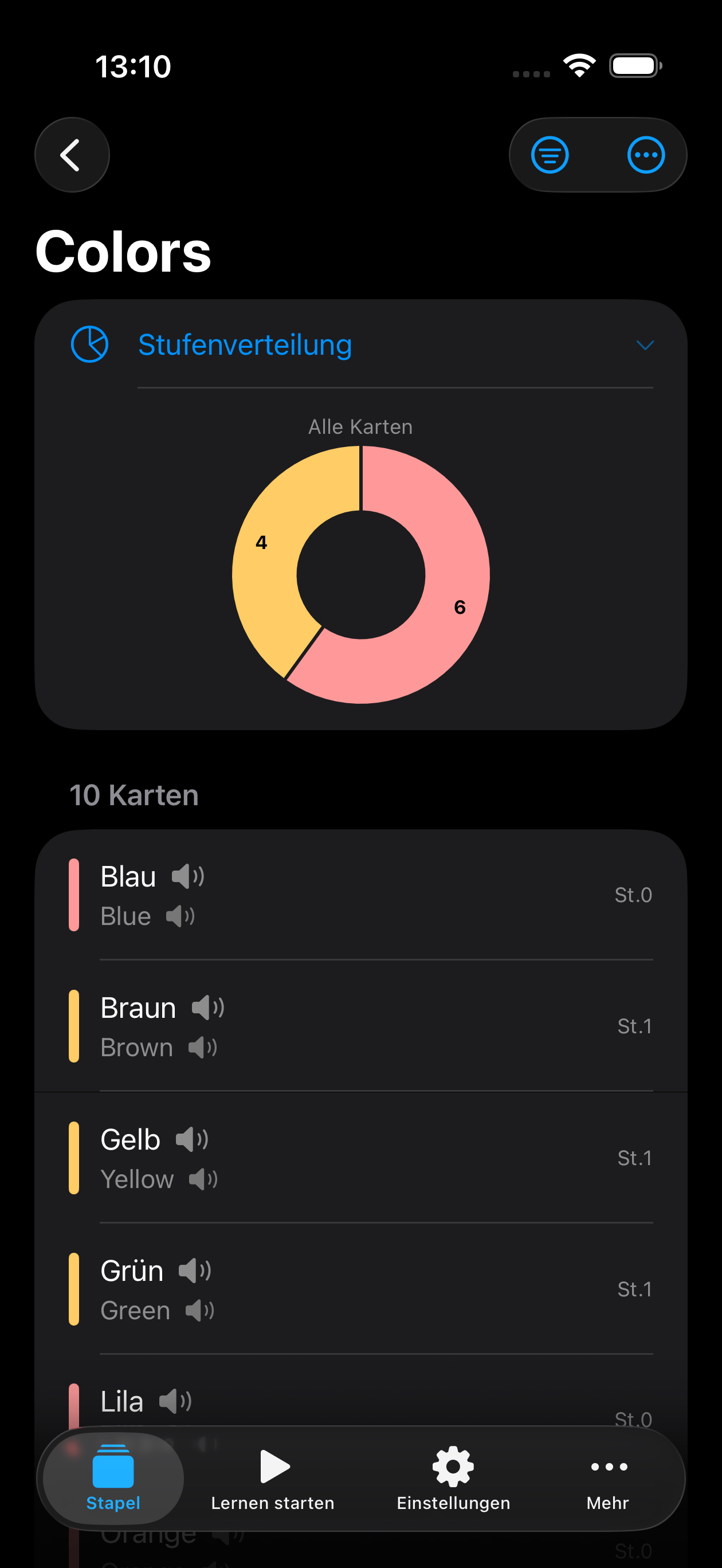
Level Progress Level-Fortschritt
Cards advance through 1-5 levels as you learn. Track your progress with visual indicators and pie charts. Karten steigen durch 1-5 Levels auf, während du lernst. Verfolge deinen Fortschritt mit visuellen Indikatoren und Kreisdiagrammen.
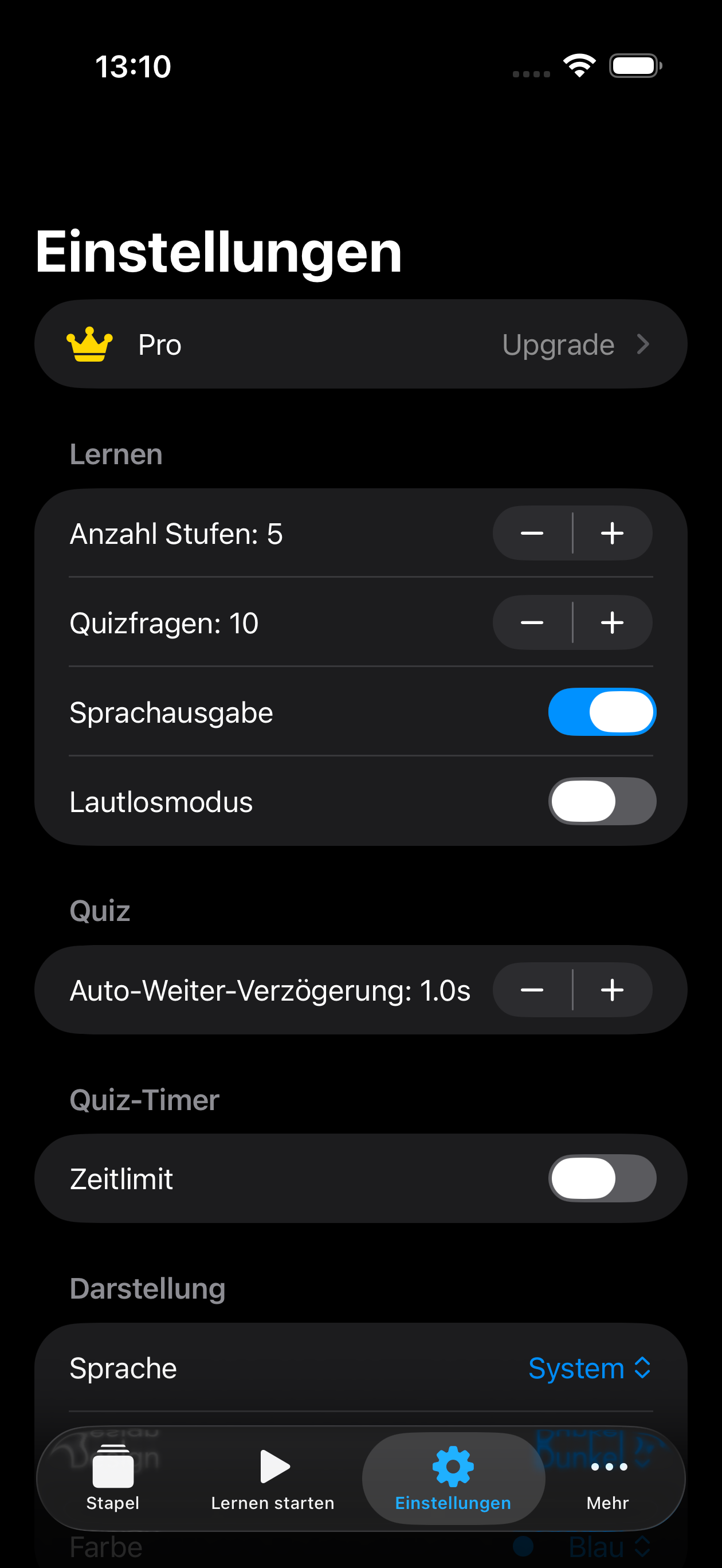
Voice Output Sprachausgabe
Hear the pronunciation of words using text-to-speech. Configurable per language. Höre die Aussprache von Wörtern per Text-to-Speech. Pro Sprache konfigurierbar.
Favourites & Pins Favoriten & Pins
Mark important cards as favourites and pin decks for quick access. Quiz only your favourite cards. Markiere wichtige Karten als Favoriten und hefte Stapel für schnellen Zugriff an. Quize nur deine Lieblingskarten.
Quiz Timer Quiz-Timer
Challenge yourself with a configurable time limit per question in quiz and pair modes. Fordere dich selbst mit einem einstellbaren Zeitlimit pro Frage im Quiz- und Paar-Modus heraus.
Import & Export Import & Export
Import vocabulary from CSV or JSON files. Export your decks to CSV or JSON to share and back up your data. Importiere Vokabeln aus CSV- oder JSON-Dateien. Exportiere deine Stapel als CSV oder JSON, um Daten zu teilen und zu sichern.
Card Packs Kartenpakete
Start with 50 cards for free. Need more? Purchase card packs to increase your limit — packs are cumulative and available right from the import screen. Starte mit 50 Karten kostenlos. Mehr nötig? Kaufe Kartenpakete, um dein Limit zu erhöhen — Pakete sind kumulativ und direkt vom Import-Bildschirm verfügbar.
Backup & Restore Backup & Wiederherstellen
Manual backup and restore included for free. Upgrade to Pro for automatic daily or weekly scheduling. Manuelles Backup und Wiederherstellen kostenlos. Pro für automatische tägliche oder wöchentliche Planung.
Color Themes Farbthemen
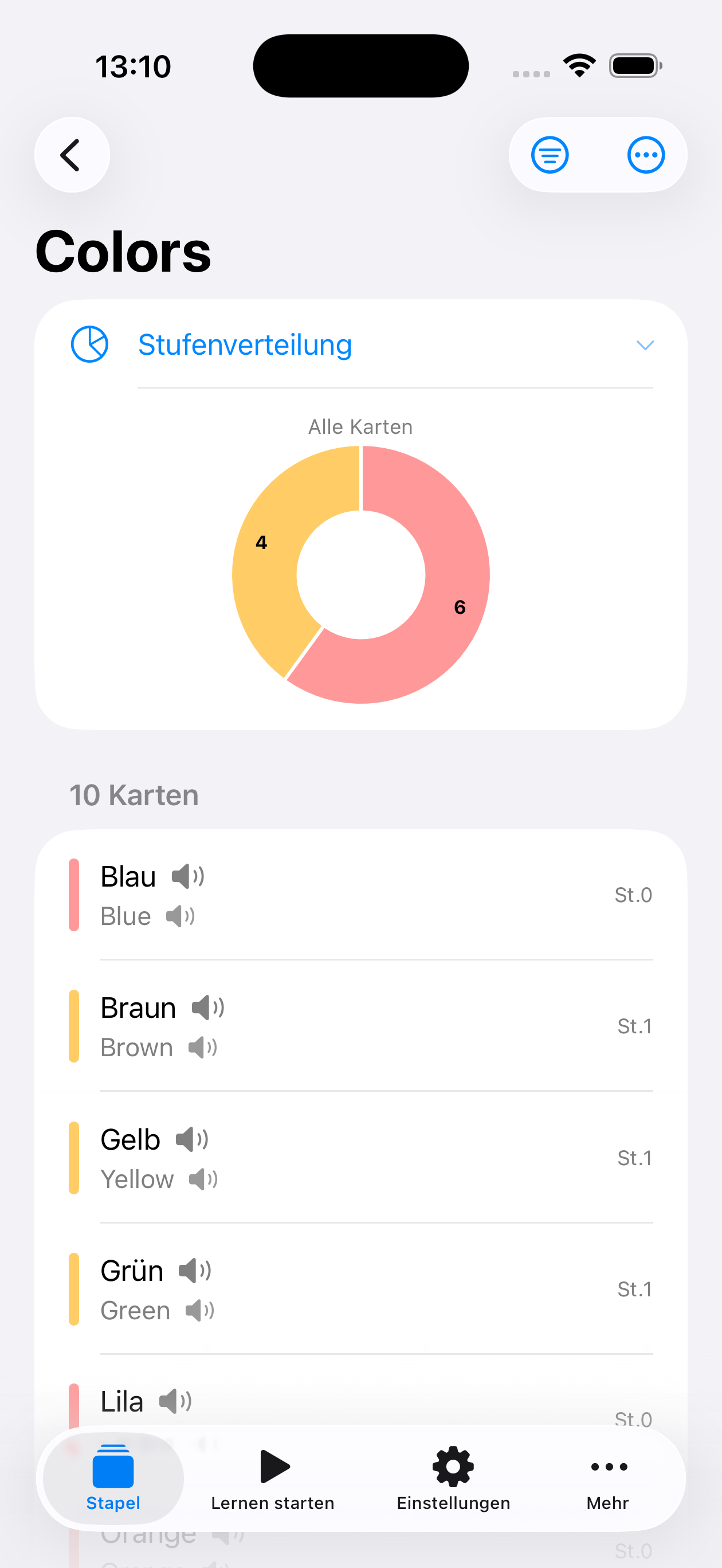
Choose from 8 color themes. Dark and light mode supported. Wähle aus 8 Farbthemen. Dunkler und heller Modus.
PIN Protection PIN-Schutz
Protect your vocabulary data with PIN and biometric authentication. Schütze deine Vokabeldaten mit PIN und biometrischer Authentifizierung.
Trash & Archive Papierkorb & Archiv Pro
Deleted something by accident? Restore it from the trash. Archive decks and cards for later with Pro. Aus Versehen gelöscht? Stelle es aus dem Papierkorb wieder her. Archiviere Stapel und Karten mit Pro.
iPad & Landscape iPad & Querformat
Adaptive layout for iPad and landscape mode on larger screens. Adaptives Layout für iPad und Querformat auf größeren Bildschirmen.
On-Device Translation Übersetzung auf dem Gerät Pro
Translate words directly while adding cards. Powered by Apple's Translation framework, fully on-device. Übersetze Wörter direkt beim Hinzufügen von Karten. Basierend auf Apples Translation-Framework, komplett auf dem Gerät.
Learning Reminders Lernerinnerungen Pro
Set per-deck reminders to stay on track. Get notified when it's time to review a deck. Stelle Erinnerungen pro Stapel ein. Werde benachrichtigt, wenn es Zeit ist, einen Stapel zu wiederholen.
Home Screen Widgets Home-Screen-Widgets
Track your progress at a glance with deck progress and vocabulary stats widgets right on your home screen. Verfolge deinen Fortschritt auf einen Blick mit Stapelfortschritts- und Vokabelstatistik-Widgets direkt auf deinem Home-Screen.
Demo Deck Included Demo-Stapel inklusive
A built-in Colors demo deck lets you try all 7 learning modes for free — including Pro modes. No purchase needed to explore. Ein integrierter Farben-Demo-Stapel ermöglicht es dir, alle 7 Lernmodi kostenlos auszuprobieren — inklusive Pro-Modi. Kein Kauf nötig zum Erkunden.
Your data stays yours Deine Daten bleiben deine
Free & Pro Free & Pro
Get started for free. Upgrade to Pro to unlock all features. Starte kostenlos. Upgrade auf Pro, um alle Funktionen freizuschalten.
Free Free
- ✓ Flashcard & Write Mode Karteikarten- & Schreib-Modus
- ✓ Unlimited Decks Unbegrenzte Stapel
- ✓ 50 Cards included — add more anytime 50 Karten inklusive — jederzeit erweiterbar
- ✓ Boxes & Categories Boxen & Kategorien
- ✓ CSV & JSON Import & Export CSV- & JSON-Import & -Export
- ✓ Manual Backup & Restore Manuelles Backup & Wiederherstellen
- ✓ Voice Output (TTS) Sprachausgabe (TTS)
- ✓ 8 Color Themes 8 Farbthemen
- ✓ PIN & Biometric Lock PIN- & Biometrie-Sperre
- ✓ Home Screen Widgets Home-Screen-Widgets
- ✓ Try all Pro modes with demo deck Alle Pro-Modi mit Demo-Stapel testen
- ✓ No Ads, No Tracking Keine Werbung, kein Tracking
Pro Pro
- ✓ Everything in Free, plus: Alles aus Free, plus:
- ✓ Quiz Mode Quiz-Modus
- ✓ Pair Mode Paar-Modus
- ✓ Listen Mode Hör-Modus
- ✓ Dictation Mode Diktat-Modus
- ✓ Word Search Wortsuche
- ✓ Archive Archiv
- ✓ On-Device Translation Übersetzung auf dem Gerät
- ✓ PDF Export PDF-Export
- ✓ Learning Reminders Lernerinnerungen
- ✓ Automatic Backup Automatisches Backup